 MoboDocs
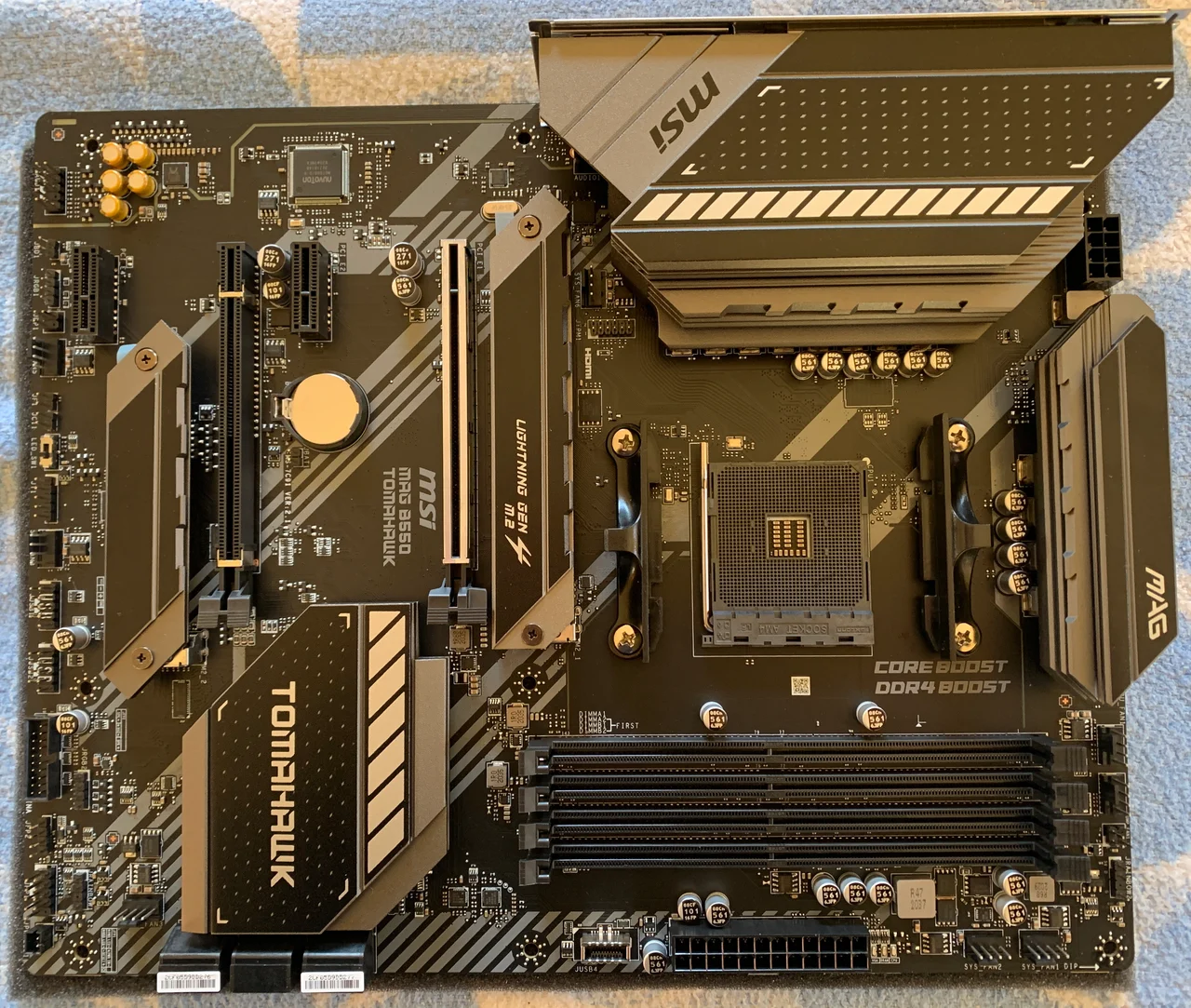 Product photograph
THE MOTHERBOARD KNOWLEDGE BASE
Less searching.
More building.
Your motherboard manual, without the maze.
Find official drivers, explore connector maps, and understand the settings that matter.

Understand the board. Unlock the possibilities.01 / THE BASICS
New build. Missing drivers?
Find the exact model, choose your operating system, and go straight to the manufacturer.
WHEN SOMETHING DOES NOT WORK
Start with the symptom.
Specific boards. Documented causes. Practical next steps.
8 guides
No display & memory
Diagnose persistent debug LEDs, missing display output and slow DDR5 training with model-specific motherboard guides.
Explore solutions → 5 guidesBIOS updates & recovery
Check exact firmware files, USB preparation and FlashBack procedures, plus CPU support requirements before changing motherboard BIOS.
Explore solutions → 12 guidesM.2, SATA & PCIe
Resolve model-specific storage and expansion conflicts: SATA-only M.2 sockets, shared ports, disabled PCIe slots and CPU lane limits.
Explore solutions → 10 guidesNetwork & audio
Identify revision-specific wireless modules, missing onboard Wi-Fi hardware and front-audio connections before selecting motherboard drivers.
Explore solutions → 5 guidesSetup, security & wiring
Identify your board, connect case switches, check Secure Boot prerequisites and prepare firmware virtualization for WSL2.
Explore solutions →Find your motherboard
60 models · Official downloads, model notes and source-linked guides.
Product photograph
A LITTLE GUIDANCE GOES A LONG WAY
Small settings. Big difference.
Practical guides to the things you actually want to do.
What are you working on?
Skip straight to the part you need.
Useful answers. Original sources.
Every guide links back to documentation. Scope and limitations stay visible.