 MoboDocs
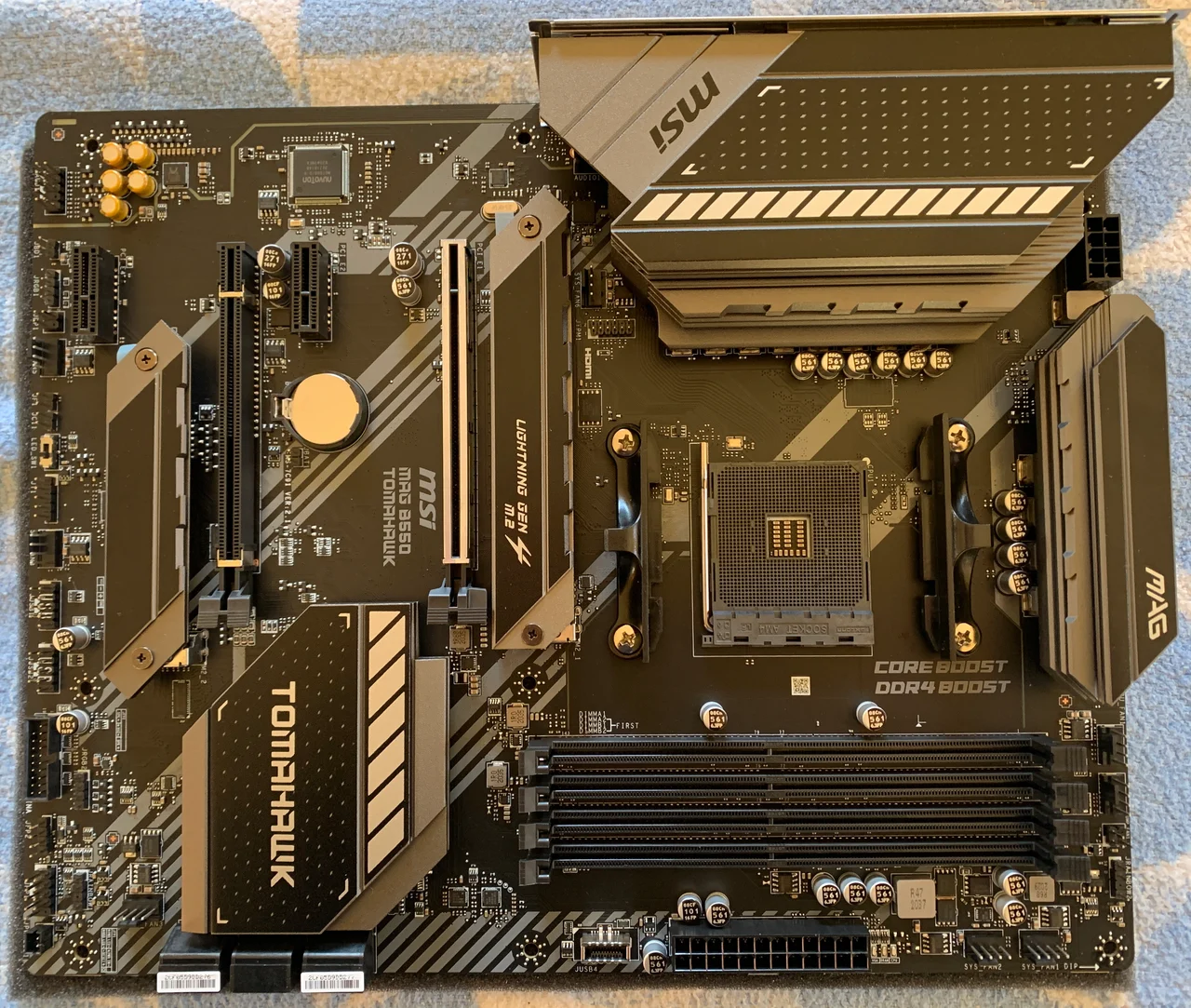 Product photograph
THE DOCUMENTATION LIBRARY
Find your motherboard.
Search by model, manufacturer, or what you’re trying to do. Start with the right board, then follow the source.
21 motherboardsReset filters
Product photograph
Helpful guides
Read the scope before applying a checklist to your board.
Virtualization · 3 min read
Enable virtualization in ASUS AMD BIOS
Find SVM Mode, save your changes, and check virtualization in Windows.
WSL2 & virtualization · 5 min read
Get your PC ready for WSL2
A practical checklist for firmware virtualization, Windows features, and error 0x80370102.
Secure Boot & TPM · 4 min read
Secure Boot: check before you change
Understand UEFI mode, recovery keys, and the difference between enabled and active.
Storage & expansion · 4 min read
Will an M.2 SSD disable another port?
Read slot-sharing notes before adding an SSD or expansion card.
Connectors & assembly · 4 min read
Connect your case’s front-panel cables
Identify the power switch, reset switch, and indicator LEDs using the correct header map.
Drivers & setup · 3 min read
Where to download motherboard drivers
Find chipset, network and audio drivers for the exact board and operating system, including a plan for a PC without internet.
Identify your board · 3 min read
How to find your motherboard model and revision
Read the board identity in Windows, then distinguish the product name, hardware revision and BIOS version.
CPU & BIOS · 3 min read
Will this CPU work? Check the board and BIOS together
A matching socket is only the first check. Read the exact CPU support entry and required BIOS before replacing a processor.